Bought Big for the Festive Season. What's Still on the Shelf?
Niagawan PosPro keeps a stock balance for every item in each colour and size, so after the rush you can see what's left and decide what to reorder.

Shelves Full, but Which Items Are Moving?
A homeware shop stocks hundreds of items, many in several sizes and colours. Most of the buying happens before Raya, Chinese New Year and Deepavali, and whatever doesn't sell stays on the shelf.
Festive orders are placed on instinct.Last season's leftovers are still in the store room when the new order goes in.
The colour the customer wants is finished.The shelf looks full, but not in the size or colour they asked for.
Gift sets are priced by hand.Staff add up the items in each set and work out a price every time.
Slow lines hide among fast ones.Containers sell every day, while the expensive cookware set has sat there for months.
Your Money Is Sitting on the Shelves
In a homeware shop, most of your cash is in stock. Without a record of what each item cost and how many are left, it's hard to decide what to reorder and what to clear before the next season.
Know What You're Holding Before You Reorder
Set up each item once, with its colours and sizes as variants. Stock goes up when the supplier's goods are received and down as you sell, so the Inventory list shows what's left.
Import or Add Your Items
Bring in your product list, then set colours and sizes as variants.
Record Supplier Bills
Each line at the price you were charged, with the due date and balance.
Scan at the Counter
Each sale takes stock off the right colour and size.
Check What's Left
The Inventory list shows the balance of every colour and size.
See How PosPro Works
These are back-office screens, where you set up products, record bills and check reports. Ask for a demo to see the counter.
Every Colour and Size Has Its Own Barcode
A pot in three sizes and two colours becomes six variants, each with its own SKU, barcode, selling price and cost.
- Import your product list instead of typing it in
- Set a promo price on a variant when you need one
- Scan the barcode and the right one is sold
See What's Left in Every Colour and Size
The Inventory list shows a balance for each variant, so you can check before telling a customer it's finished.
- Filter by category, such as Homeware
- Stock goes up when the supplier's goods are received
- Print or download the list before you reorder
Record the Festive Order and When It's Due
Big orders before the festive season come with big bills. This one shows the deposit paid and the balance still owed, due in 60 days.
- See what you still owe each supplier
- Record part payments as you make them
Put a Gift Set Together Once
Save a gift set as a package of your own items, with a discount where you want one. Its price is the total of those items.
- Add the whole set to an invoice in one go
- On the invoice, the set is listed item by item
- Each item's sales count in its own Product Report row
See What Sold This Month
For sales you invoice, such as orders from restaurants, care centres or corporate gift buyers, the Product Report shows units sold, sales, cost and gross profit for each product.
- Choose the month to check
- Spot the lines that barely moved, like one kettle in a month
- Sizes and colours are added together under their product
Everything a Homeware Shop Needs, in One Package
This package includes Niagawan PosPro, the counter terminal, a barcode scanner and a cash drawer.
Niagawan PosPro + Counter Set
Everything on this list to scan your first sale.
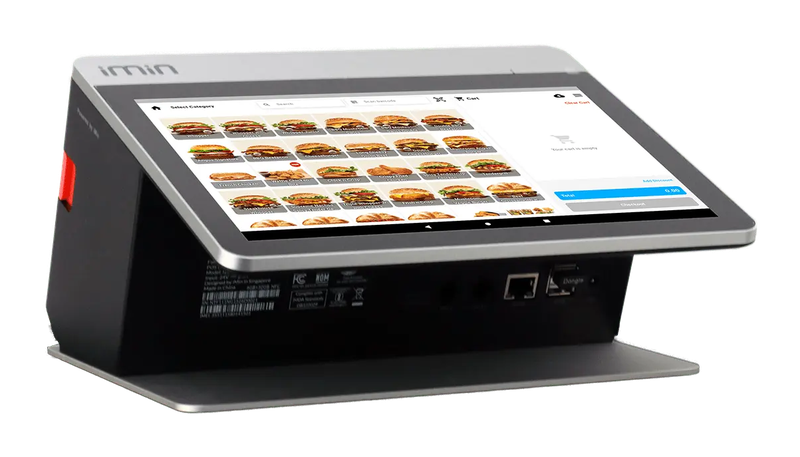
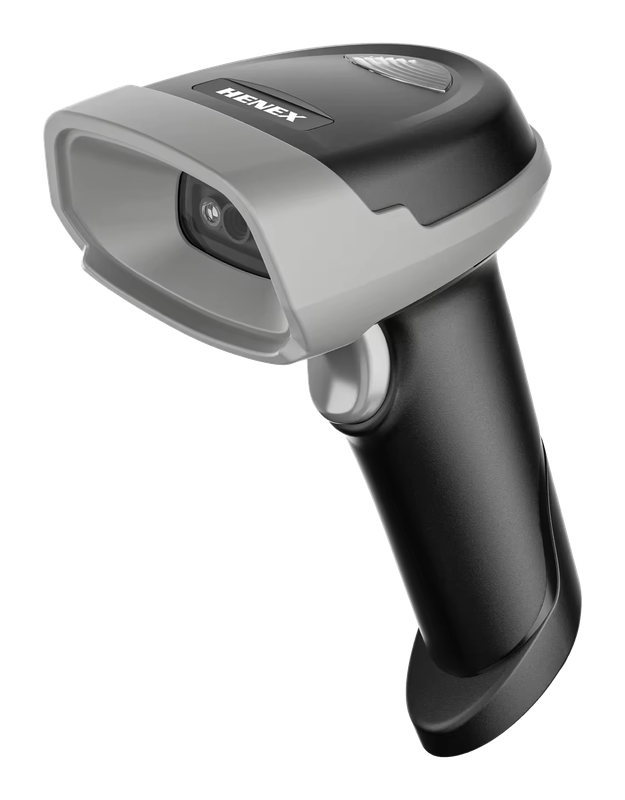
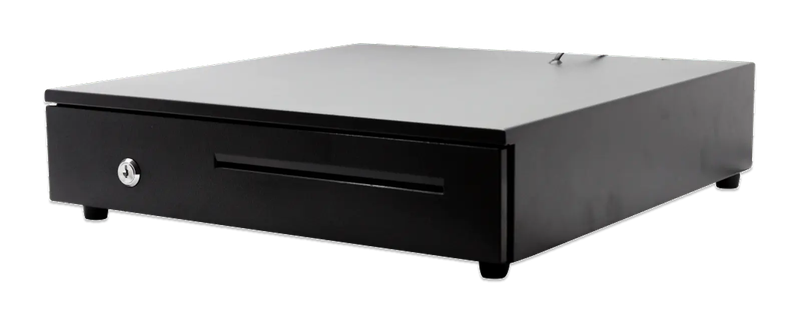
iMin Falcon 1 · Bluetooth scanner · Cash drawer (4-slot)
The software — billed yearly
The counter set — bought once
After the first year, you only renew the software RM797 / year
Prices exclude SST. The hardware is yours — bought once, not rented.
14-day money-back guarantee — full refund, no complicated questions. (Software subscription only; hardware excluded.)
What Business Owners Like You Say
“Truly a helpful tool that played a big role in bringing my company to this level. Easy to use, effective, and highly beneficial for business growth. Highly recommended.”
“Been using Niagawan for over 2 years. Alhamdulillah, it's easy and user-friendly. The system and layout keep improving year after year. Customer service is also quick to respond and easy to deal with.”
“Easy to navigate and a good mobile interface. What I like the most is their WhatsApp customer service. For people like me who don't know much about accounting and bookkeeping, this is very, very helpful.”
Questions Owners Always Ask
Can I Import My Product List?
Can I Run Buy-1-Free-1 for the Festive Season?
How Much Is a Second Outlet?
I Already Have a Scanner. Do I Need the Full Set?
Looking for Accounting Software or a POS System for Your Business?
Chat with our team on WhatsApp and we will show you how Niagawan fits your business.
e-Invoice included · Unlimited documents · Free WhatsApp support